2D Animation
Intro

In-Person / Full Studio Access / $1040 GST Included (13 Weeks)
In-person classes include four hours of lectures and revisions, plus at least four hours of studio time with all-access Discord online support.
View Class Schedule
2D Animation Intro Visual

Course Mission

Students will be introduced to the 12 principles of animation along with fundamental software knowledge used in 2D animation production. During the course, learners will plan, draft and participate in hands-on exercises while producing their own short animations. By working through the complete production process—from character and background design to animation and post-production editing—students will expand and challenge their existing creative and technical knowledge.

Course Summary

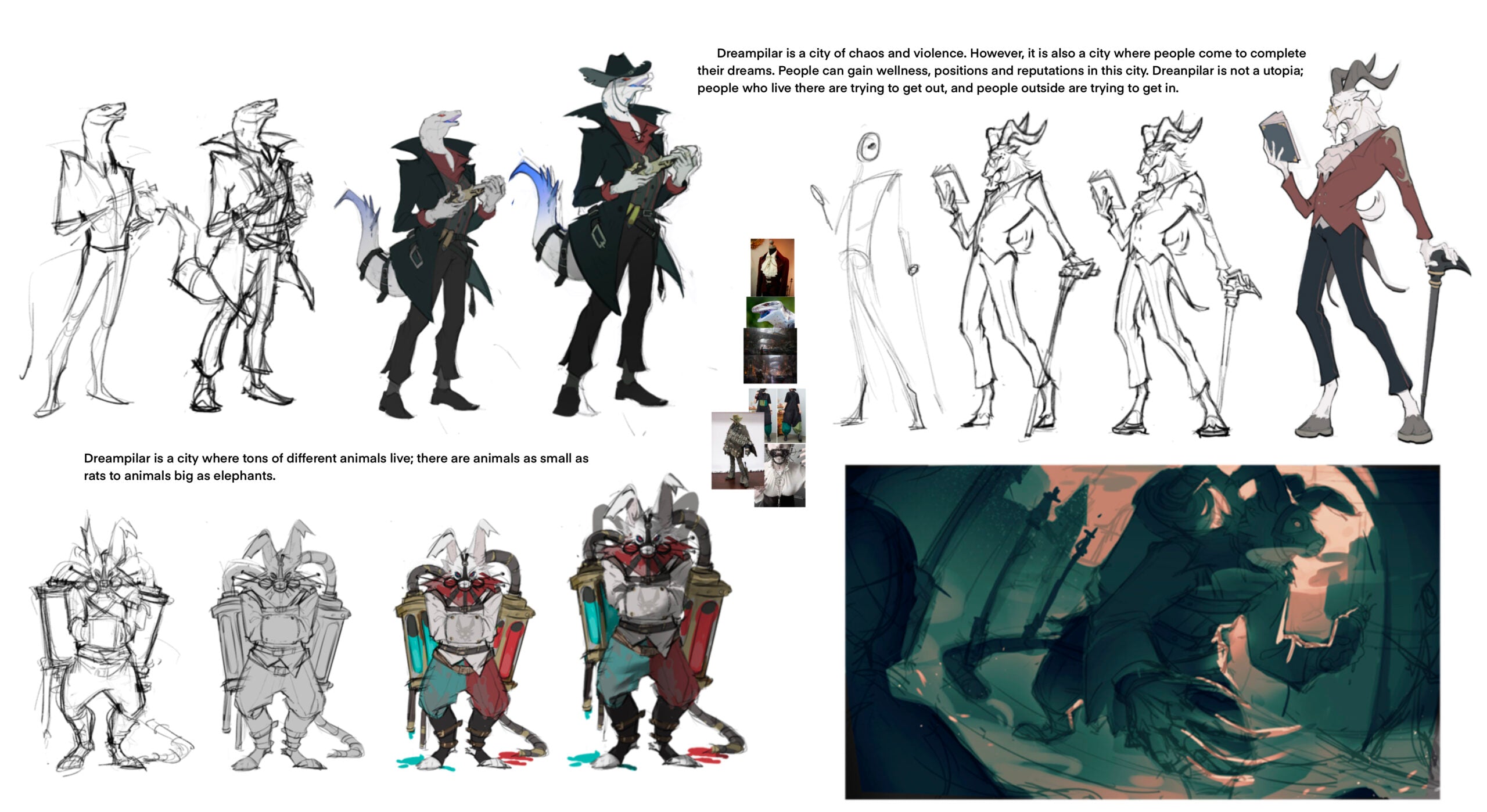
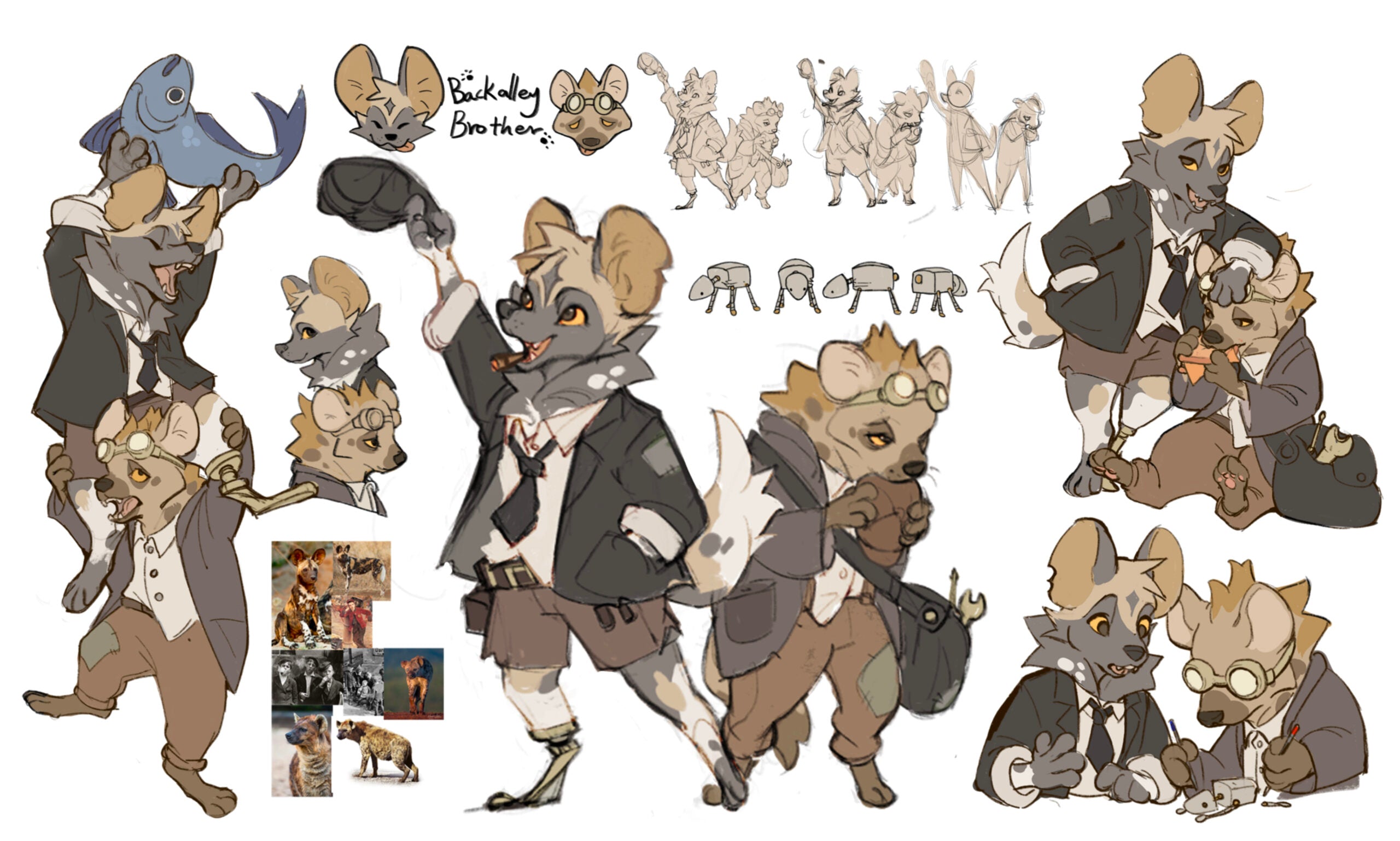
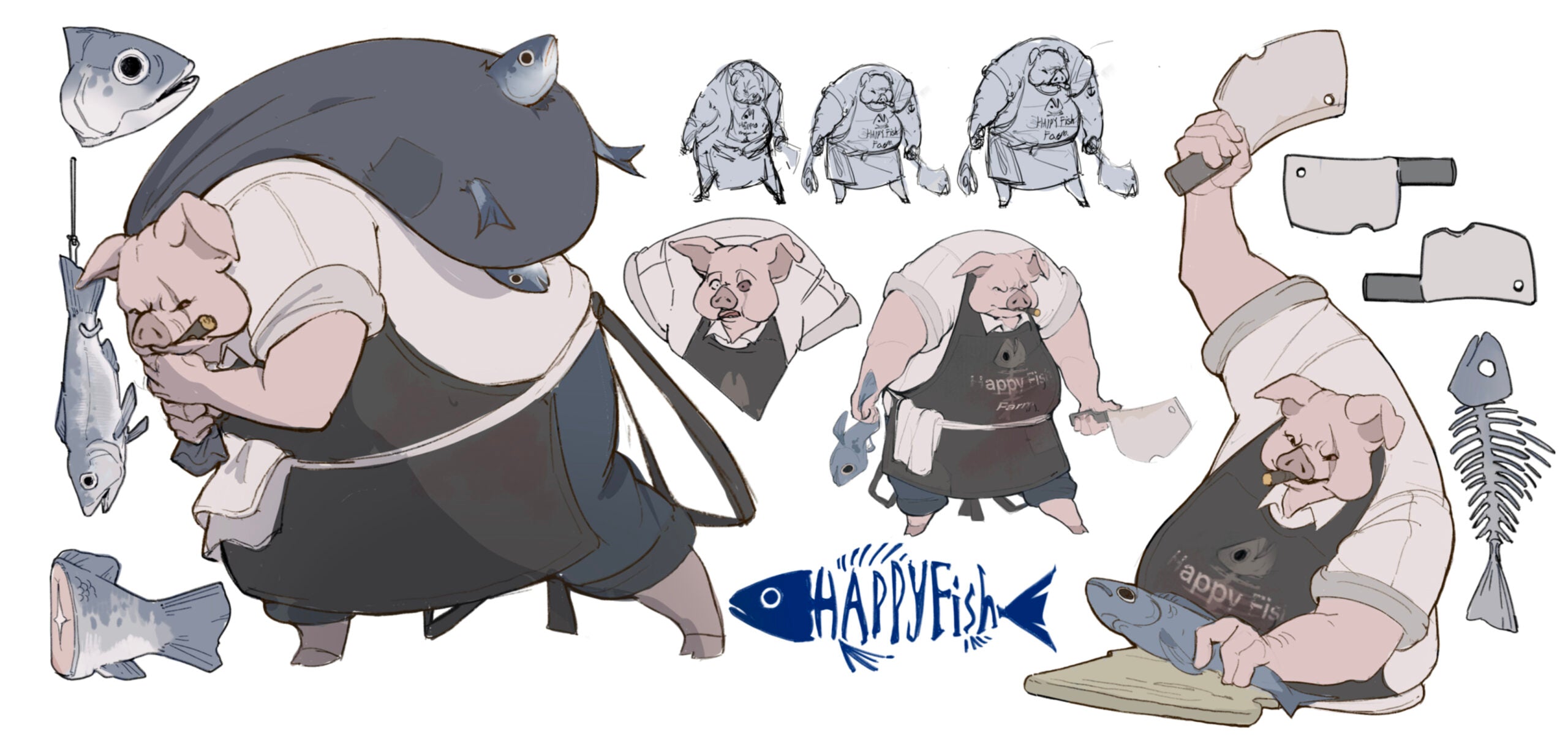
Students will be introduced to the importance of design in character animation. Line, shape, negative space, volume and colour will be studied. The relationships between these elements—including proximity, balance, rhythm, repetition, proportion, variety and size—will be emphasized. Three-dimensional models will be created to support an understanding of structure. Through drawing exercises, students will learn to create strong character poses that communicate effectively with an audience. Students will also study different artistic styles in animation and work both independently and as part of a team to create effective and original character models.

Classes Info

Term(s)
Ongoing
Course Name
2D Animation Intro
Instructor(s)
Assigned according to class schedule and availability
Studio Classroom
Richmond Classroom 2
Weekly Hour(s)
4 hours plus studio hours*
Course Format
In person with all-access Discord online support

*Studio access is available to portfolio students only.

Student Learning Outcomes

  • Understand and apply the 12 principles of animation.
  • Develop basic navigation skills in Photoshop and Procreate Dreams.
  • Create a simple original animation exploring timing, anticipation, appeal and other foundational animation principles.
  • Keep animated characters consistent with a provided model or an original student-designed character.
  • Draw character model packs from multiple perspectives.
  • Learn fundamental editing techniques using Adobe Premiere Pro.
  • Understand the basic principles of background and layout design.

Required Materials

Hardware 15-inch or larger laptops
RTX GPUs recommended
Graphic displays or professional tablets
Studio workstations*

*Studio workstation access is available to portfolio students only.
Software Required software icons

Course Content with Time Allocation

Follow the complete animation production process, from story development and character design to clean animation, coloring, compositing, sound, and final presentation.

01
1 Week

Story Brainstorming, Main Character Rough-Out & Sequence Confirmation

The instructor will help students finalize the story and overall project direction. Students will also begin developing the main character and confirm the animation sequence. The 12 principles of animation will be introduced during this stage.

Required Reading: Pages 338–339 and 35–60
02
1 Week

Character Turntable, Background & Sequence Analysis

Students will learn how animation interacts with the background, perspective, and horizon line. They will complete a reference sequence analysis or draw keyframes for an original story, along with a rough color design for the main character.

Required Reading: Pages 61–69 and 78–79
03
2 Weeks

Keyframes & Style Frames

Students will learn how timing works in animation and work with the instructor to establish the final visual style. They will then rough out the main keyframes and create an initial timing plan for the sequence.

Week 3: Pages 84–101
Week 4 Required: Pages 102–135
Week 4 Optional: Pages 136–155
04
2 Weeks

Rough In-Betweens & Background Linework

With the characters and keyframes established, students will begin adding rough in-between drawings based on the approved timing. The instructor will demonstrate proper in-between techniques, while students also complete the background linework.

Week 5 Required: Pages 156–166
Week 5 Optional: Pages 167–175
Week 6 Required: Pages 176–200
05
2 Weeks

Keyframe Cleanup & Timing Revision

After the rough animation and scene planning have been reviewed, students will begin cleaning the keyframes. This stage includes multiple rounds of timing and pose revisions rather than simply tracing the rough drawings.

Week 7 Required: Pages 201–208 and 212–216
Week 7 Optional: Pages 209–211
Week 8 Required: Pages 217–230
06
2 Weeks

Background Coloring & File Compositing

Students will composite the cleaned animation with the rough background to confirm that both elements work together. After instructor approval, they will refine the background linework and begin the final background coloring process.

Week 9 Required: Pages 231–245
Week 10 Required: Pages 246–255
07
3 Weeks

Flat Coloring All Animation Frames

Once the background rendering is complete, students will begin applying flat colors to all character animation frames while maintaining consistency throughout the sequence.

Week 11 Required: Pages 256–272
Week 12 Required: Pages 273–284
Week 13 Required: Pages 285–296
08
2 Weeks

Finalization & Timing Revision

At this stage, the animation should be approximately 80% complete. Students will use this time to catch up, refine the timing, correct small issues, and complete final adjustments without making major structural changes.

Week 14 Required: Pages 297–303
Week 14 Optional: Pages 304–314
Week 15 Required: Pages 315–326
Week 15 Optional: Pages 327–332
09
1 Week

After Effects, Sound & Final Export

Students will complete the final compositing process, add sound and effects where needed, review the completed sequence, and prepare the animation for final presentation and export.

Week 16 Optional Reading: Pages 333–337
Ivan Wang
Education Consultant

Ivan Wang

Director & Education Consultant

Get personalized guidance on courses, portfolio preparation, university pathways, and long-term creative development.

Book a Free Consultation
Student Support

Need Help Choosing the Right Program?

Curious about what makes our programs valuable or which class best matches your goals? Join a free consultation and speak with our team about your learning plan.

  • 1-on-1 Mentorship Ask questions and receive practical guidance based on your goals.
  • Curriculum Insight Learn how our courses build skills from foundation to advanced work.
  • Career Planning Explore art university pathways and possible creative industry directions.
  • Tuition & Scholarships Understand tuition options, planning, and available scholarship support.
Student Showcase

Explore Our Students’ Creations

Focusing on an area that reflects their skills, interests, and career goals, our students work alongside personal mentors to develop impactful, presentation-ready creative work.

01

Student Creation Showcase

Student Work
02

Student Creation Showcase

Student Work
03

Student Creation Showcase

Student Work
04

Student Creation Showcase

Student Work
05

Student Creation Showcase

Student Work
06

Student Creation Showcase

Student Work
Peaceful Art Studio
Peaceful Art Studio
Peaceful Art Studio
Peaceful Art Studio
Peaceful Art Studio
Peaceful Art Studio
Peaceful Art Studio
Peaceful Art Studio